
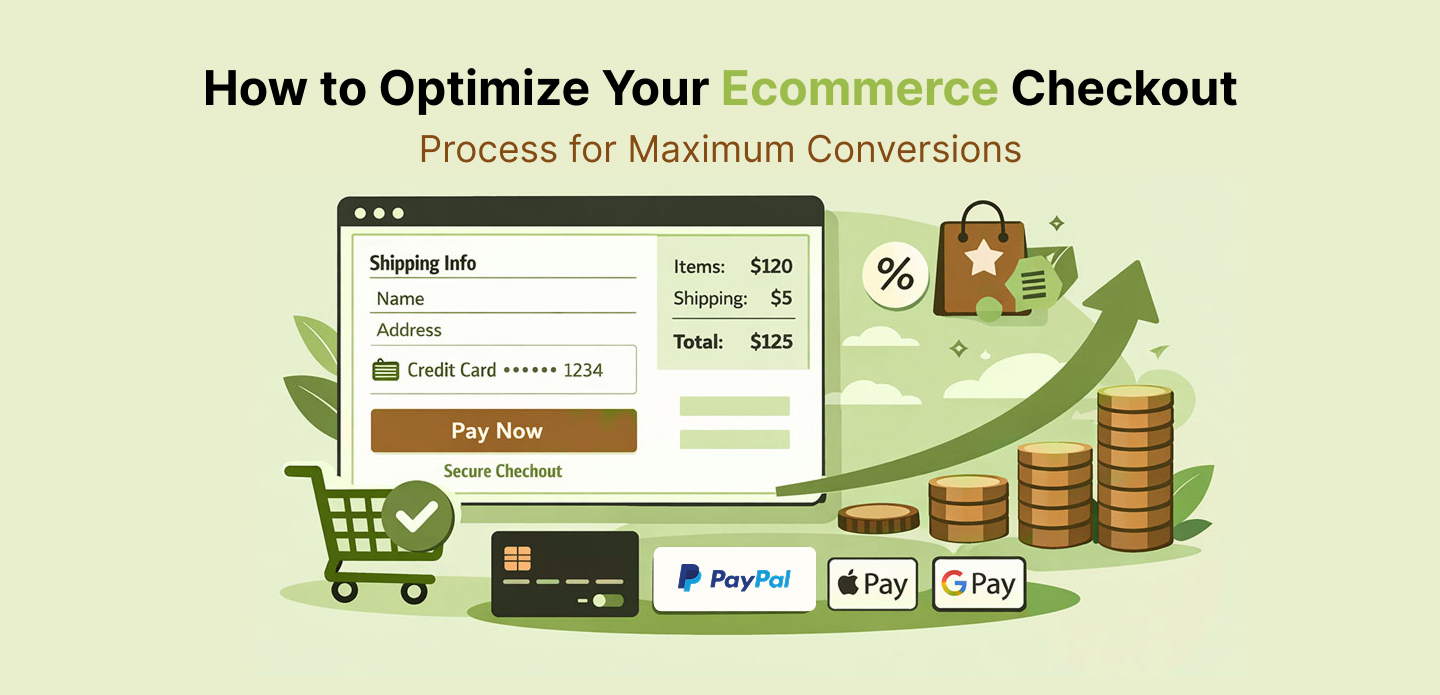
Driving traffic to your ecommerce store is essential, but it is only half the battle. Many shoppers abandon their carts even after adding products, leaving substantial revenue on the table. According to research, nearly 70 percent of online shopping carts are abandoned, highlighting the importance of a streamlined checkout process. Optimizing this final step is one of the most effective ways to boost conversion rates and revenue without spending more on marketing or acquisition.
A well-optimized checkout process focuses on reducing friction, building trust, and guiding shoppers to complete purchases efficiently. In this guide, we explore actionable strategies to enhance your ecommerce checkout experience. We cover UX best practices, mobile optimization, payment options, transparency, and data-driven testing.
What Is Checkout Optimization and Why It Matters
Checkout optimization refers to the practice of improving the final stages of the purchase process to make it smooth and frictionless for shoppers. The main objective is to increase the percentage of visitors who complete their purchase once they reach checkout. This metric directly affects your revenue and overall ecommerce performance.
According to Wikipedia – The conversion rate is closely leads as the percentage of visitors who complete a desired action, such as making a purchase. Every improvement you make to reduce friction or build trust increases the likelihood that visitors complete their transactions.
Optimized checkout flows also support broader digital marketing efforts, ensuring that traffic driven through SEO, paid campaigns, or social media actually results in revenue. For instance, aligning checkout UX with Figma Prototyping practices can ensure visually intuitive forms that reduce cognitive load and enhance usability.
Understand Why Shoppers Abandon Checkout
Before implementing improvements, you must understand why shoppers leave before completing a purchase. According to the Baymard Institute, the most common reasons for abandonment include:
- Unexpected costs, including shipping, taxes, and handling fees
- Forced account creation or complicated registration
- Multi-step checkout flows that feel lengthy or confusing
- Concerns about payment security and trust
Every extra click, unnecessary field, or unclear instruction increases friction and creates an opportunity for abandonment. Recognizing these pain points is the first step toward designing an optimized checkout experience.
Step 1. Streamline the Checkout Flow
Simplifying the checkout flow is the foundation of optimization. Shoppers prefer fewer steps, clear instructions, and visible progress indicators.
One-Page Checkout vs Multi-Step Checkout
A one-page checkout consolidates shipping, billing, payment, and review into a single screen. This allows shoppers to see all steps at once and reduces the chance of abandonment. Multi-step checkouts can still work but must clearly indicate progress and minimize unnecessary fields. Evidence shows shorter checkout flows consistently improve completion rates.
Reduce Form Fields
Fewer fields lead to faster completion. Limit inputs to essentials such as shipping, billing, and payment details. Enable autocomplete and smart defaults to reduce typing effort. Using UX design expertise, such as Figma Prototyping,can help create forms that feel simple and intuitive, reducing cognitive friction.
Step 2. Offer Guest Checkout and Express Payment Options
Requiring account creation before purchase often discourages conversions. A guest checkout option allows users to complete their purchase without registration, reducing friction.
Additionally, integrating express payment options such as Apple Pay, Google Pay, or PayPal One-Touch can significantly speed up checkout. This is particularly important on mobile devices, where typing is less convenient. Combining these options with analytics-driven insights ensures your checkout flows align with user behavior and drive higher conversions.
Step 3. Be Transparent About Costs
Unexpected costs are a major reason for cart abandonment. Shoppers are more likely to complete a purchase when they know shipping fees, taxes, and discounts upfront.
Strategies include:
- Display shipping estimates early in the cart
- Show a detailed breakdown of taxes and fees
- Offer free shipping thresholds to encourage larger orders
Transparency builds trust and increases checkout completion. This approach should align with your brand identity and design strategy to maintain consistency throughout the user experience.
Step 4. Optimize for Mobile
Mobile ecommerce continues to grow, yet many checkout processes are poorly optimized for small screens. Poor mobile design can result in frustrated users and lost conversions.
Mobile optimization strategies include:
- Larger tap targets and responsive layouts
- Single-column forms for readability
- Auto-detection of country, postal code, and payment fields
Mobile-first checkout design, combined with AI-powered personalization, can dynamically adjust forms and suggest payment methods, improving conversion rates.
Step 5. Build Trust and Reassurance
Shoppers are often concerned about payment security. Including trust signals such as SSL certificates, recognizable payment logos, and security badges increases confidence.
Strategic placement of trust indicators near the payment section reduces anxiety and encourages completion. Aligning visual cues with Marketing & Advertising Design practices can reinforce trust while maintaining a polished, professional design.
Step 6. Guide Users With Clear Progress Indicators and Error Handling
Even with a short checkout, users need orientation. A clear progress bar showing steps like Shipping, Payment, and Confirmation increases confidence and clarity.
Error messages should be immediate, clear, and actionable. Inline validation reduces frustration and allows users to quickly correct mistakes such as invalid postal codes or payment details. Analytics can track which steps cause drop-offs, allowing for continuous improvement.
Step 7. Provide Multiple Payment Options
Offering diverse payment methods caters to customer preferences and builds trust. Common options include:
- Credit and debit cards
- PayPal or other digital wallets
- Buy-now-pay-later solutions
This flexibility addresses payment inertia and encourages shoppers to complete their purchase. Integrating these payment options with AI automation can improve speed and accuracy, reducing friction even further.
Step 8. Continuously Test and Optimize
Checkout optimization is an ongoing process. Track metrics such as checkout initiation rate, completion rate, drop-off points, and device-specific performance. Use A/B testing to iterate on:
- Button placement and color
- Field order and labeling
- Microcopy and call-to-action phrasing
Integrating these insights with broader SEO and traffic strategies, such as the tactics outlined in this ecommerce SEO blog, ensures your checkout process converts visitors into loyal customers.
Conclusion
Optimizing your ecommerce checkout process is one of the most effective ways to increase conversions and grow revenue without additional traffic spend. By reducing friction, providing clear instructions, building trust, offering multiple payment options, and continually testing, you create a smooth, efficient experience that encourages shoppers to complete purchases.
Checkout optimization is a critical part of your overall ecommerce strategy. Combining UX design best practices, data-driven marketing, and AI-powered solutions ensures your store is optimized for maximum conversions.